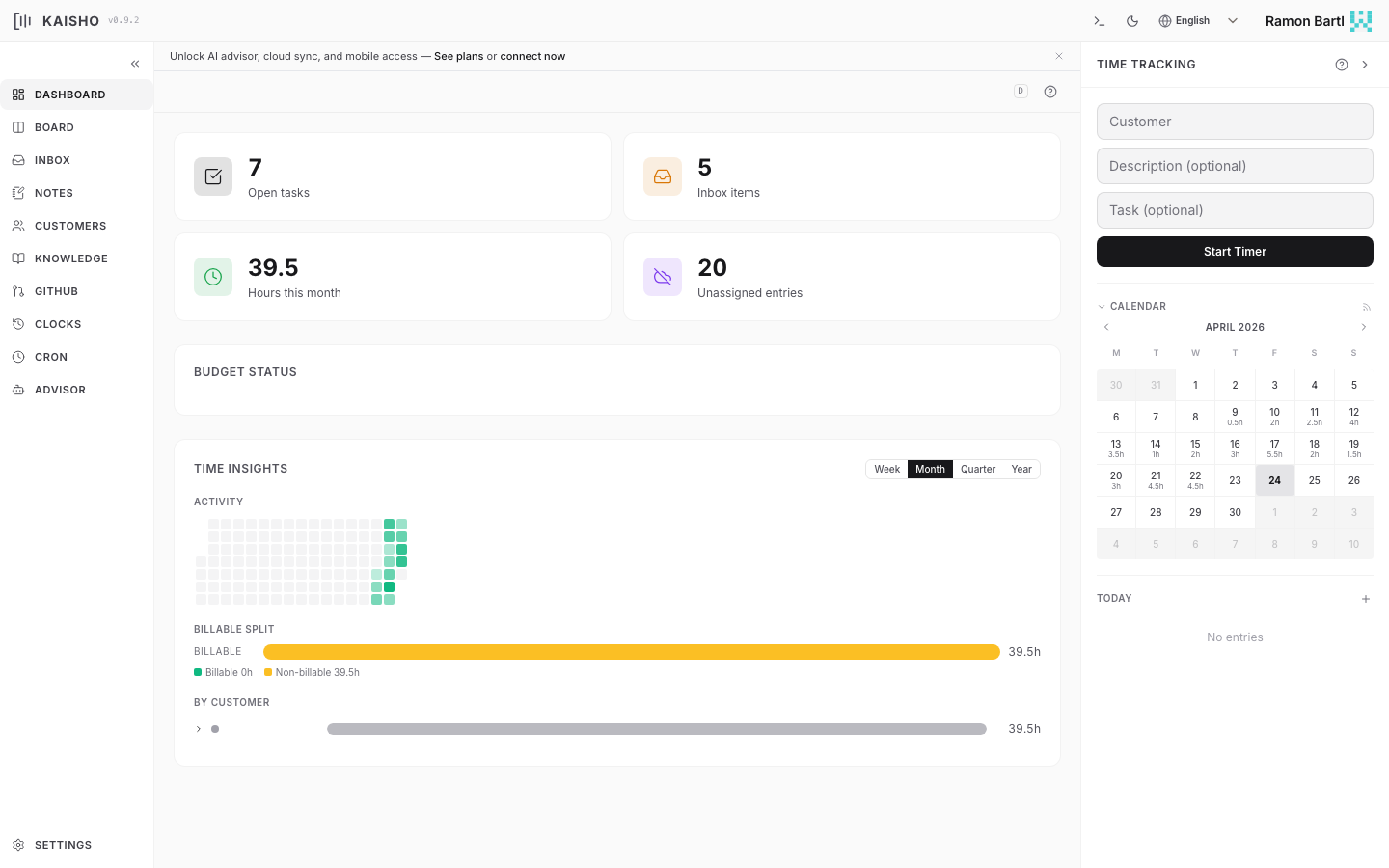
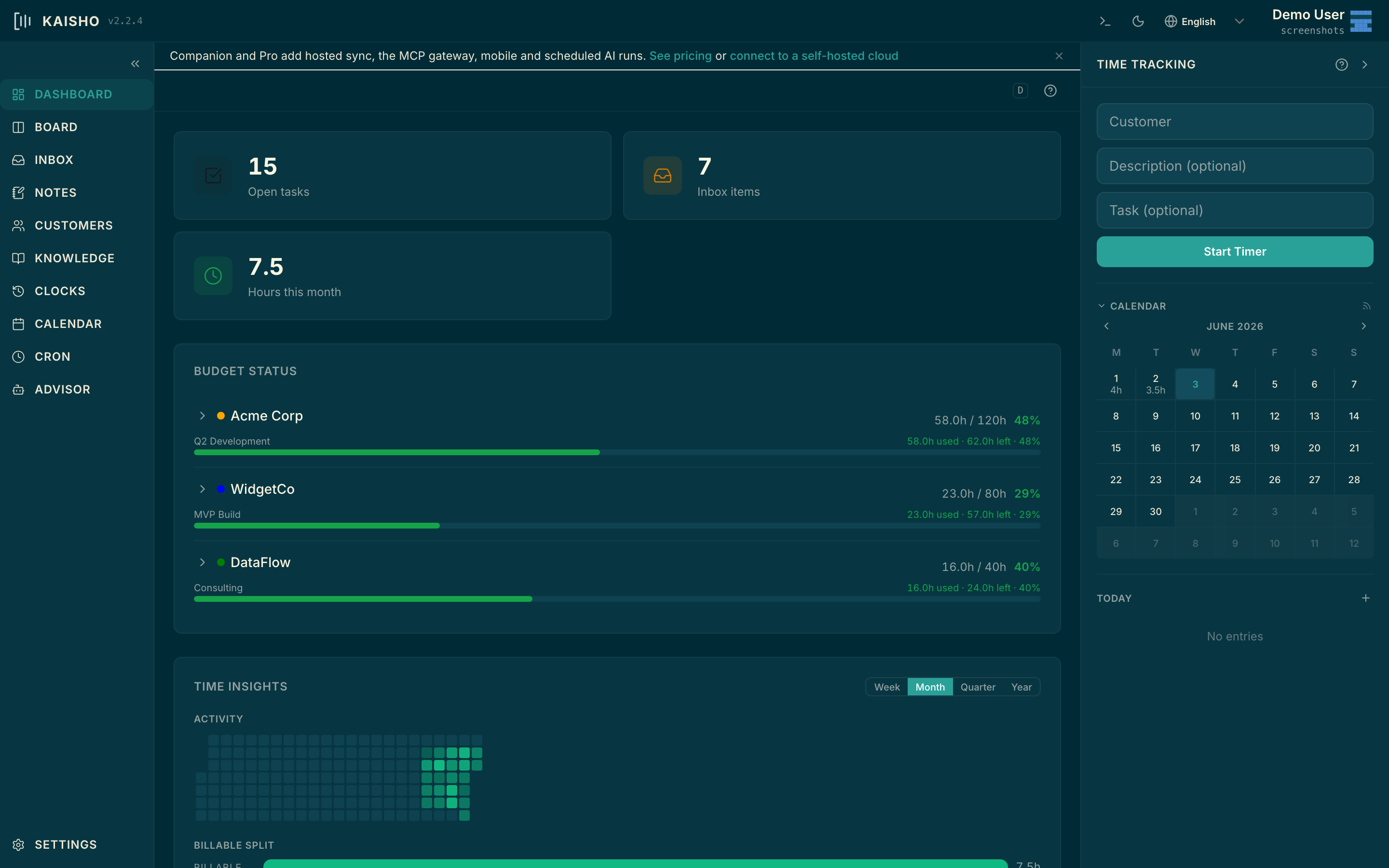
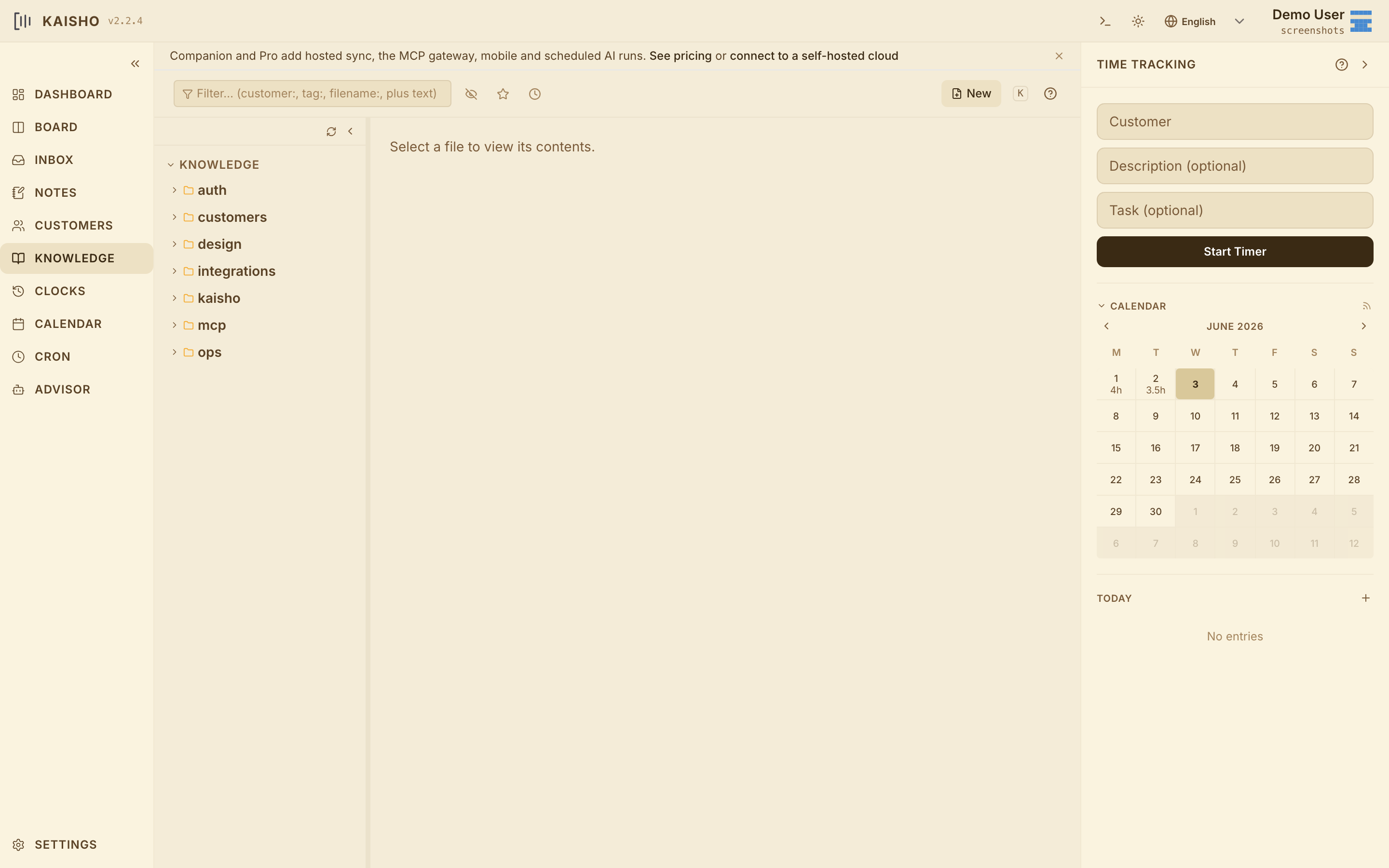
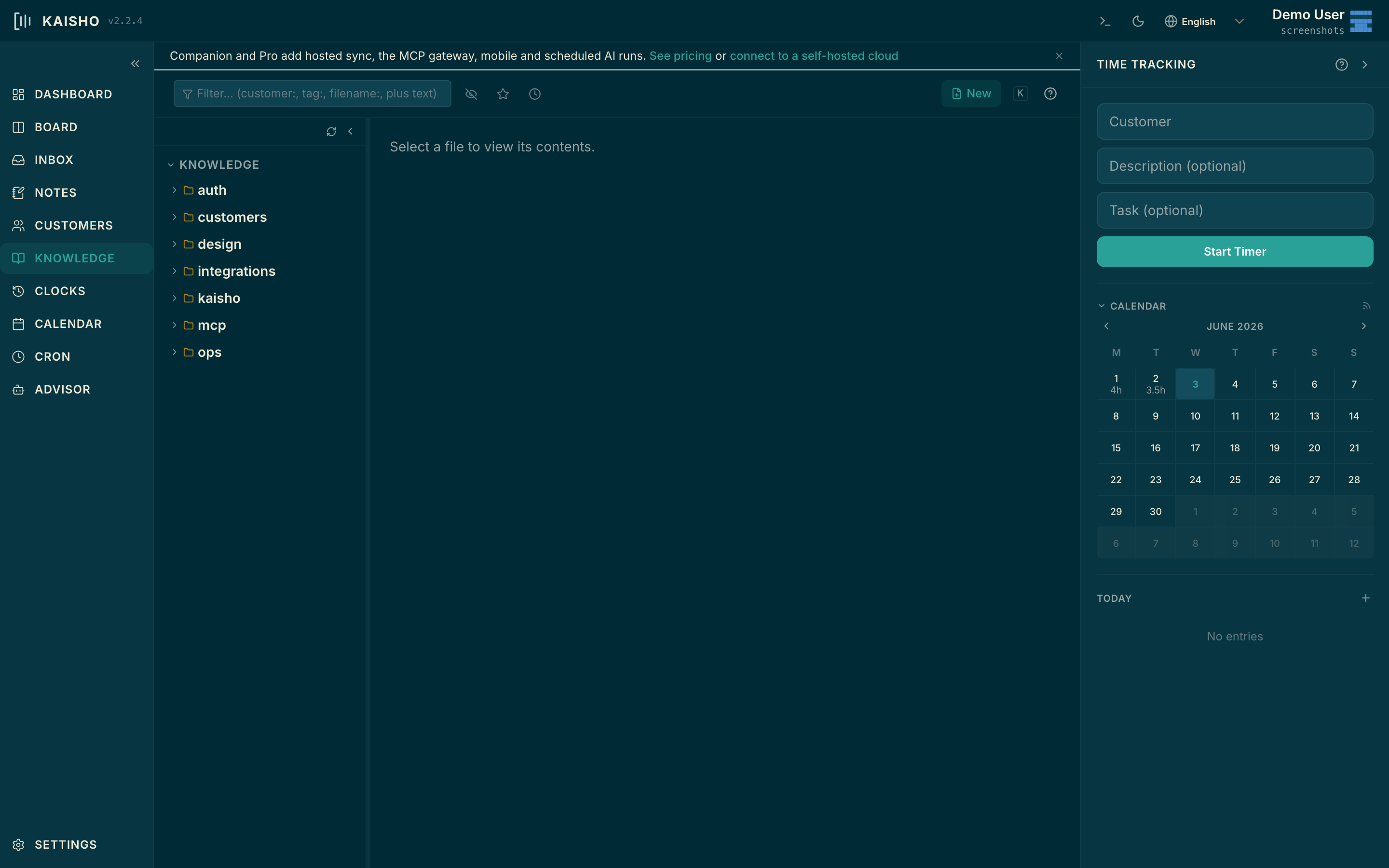
Kaisho knows your tasks, customers, time, notes and code — and runs your AI agents over them on schedule, with the model and API key of your choice. Use it from your desktop and plug it straight into Claude Code, Cursor, and Claude Desktop via MCP. Mobile sync and the hosted MCP gateway arrive with Companion in Q3. Your data stays on your machine.
Want it on Claude Code, Cursor, or Claude Desktop? See the MCP setup (included on Companion & Pro)
Getting started
Install the desktop app, point your AI at it, and let it remember.
Grab the desktop app for macOS (Apple Silicon), Windows, or Linux from GitHub Releases. Or install via pip install kaisho && kai serve. Tasks, time, customers, notes and the KB all live in plain text on your machine.
Add the Kaisho MCP server to Claude Code, Cursor, or Claude Desktop with a one-line config. Your AI can now read and write your tasks, look up a customer, log time, query the KB, and run shell commands you whitelist — without leaving the editor.
Schedule cron-AI agents to do the boring parts: a Monday-morning briefing on last week, a Friday invoice draft, a daily KB digest. They run locally on your hardware (Hobby) or on our hosted token quota (Companion / Pro).
Features
Kaisho is what your AI companion needs to be useful day-to-day: durable memory, scheduled runs, MCP-native integration with the editor you already use, and a real task / time / customer tool underneath.
Tasks, time entries, customers, notes and a knowledge base — all in plain text, all on your machine, all queryable by your AI through MCP. Sessions in Claude Code or Cursor stop being amnesiac.
Cron-AI jobs run on your schedule, using the model and API key of your choice. A Monday-morning briefing on last week. A Friday invoice draft. A nightly KB digest. The agent reads your Kaisho data, does the work, leaves an artefact.
First-class MCP server. One-line setup for Claude Code, Cursor and Claude Desktop. Premium MCP integrations on Pro: Linear, GitHub Projects, Google Calendar, Slack — so your AI can read tasks from Linear, file a PR via the GitHub MCP, and book the time in Kaisho in a single chain.
Hobby runs entirely on your machine — no account, no cloud, BYO API key. Companion and Pro add a hosted token quota and cross-device sync, but the source of truth stays your plain-text directory.
Claude, GPT, Gemini, local Ollama, LM Studio, any OpenAI-compatible endpoint. Hobby is BYO key. Companion and Pro include a frontier-model quota so you can stop juggling keys — or keep your own for sensitive work.
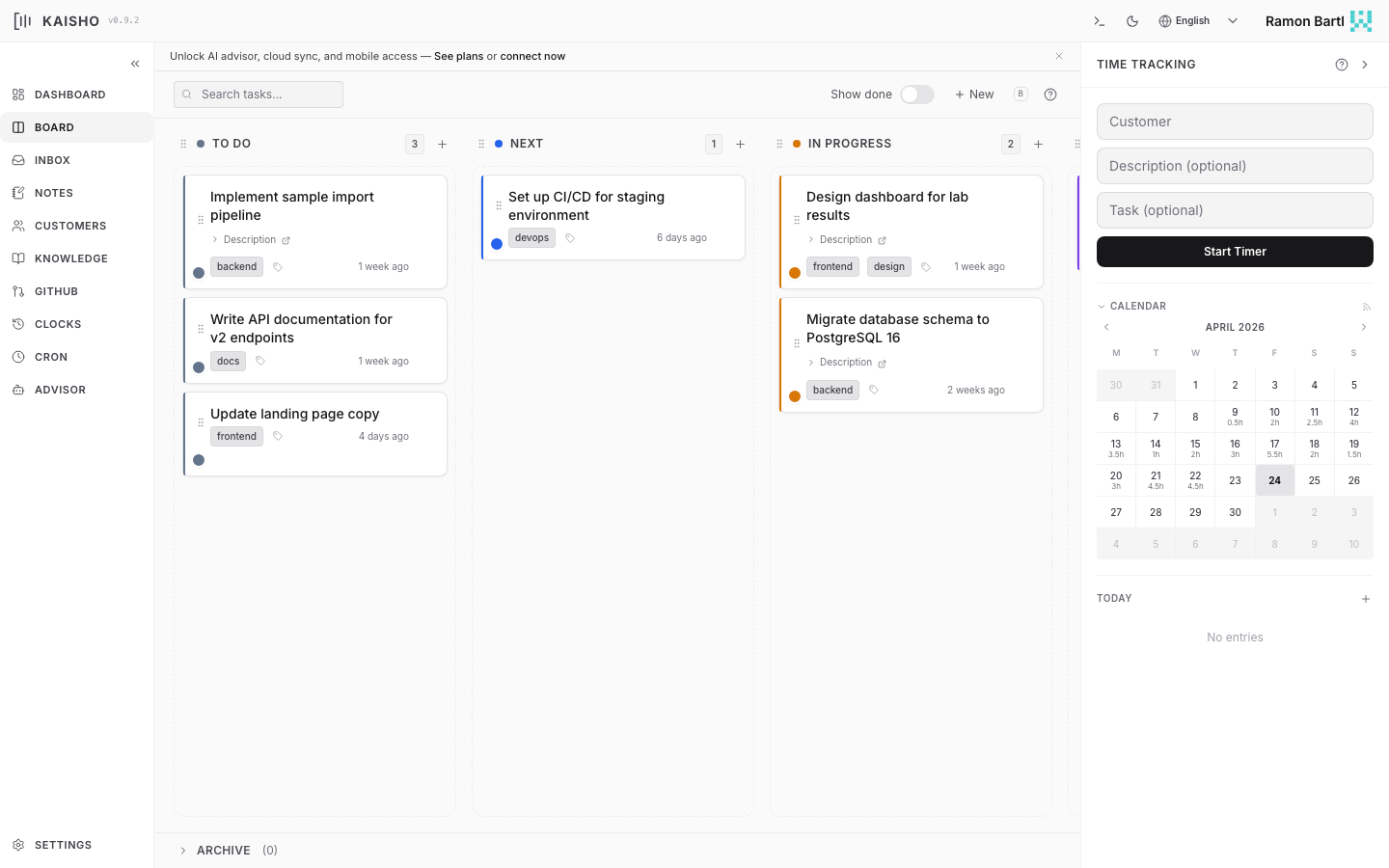
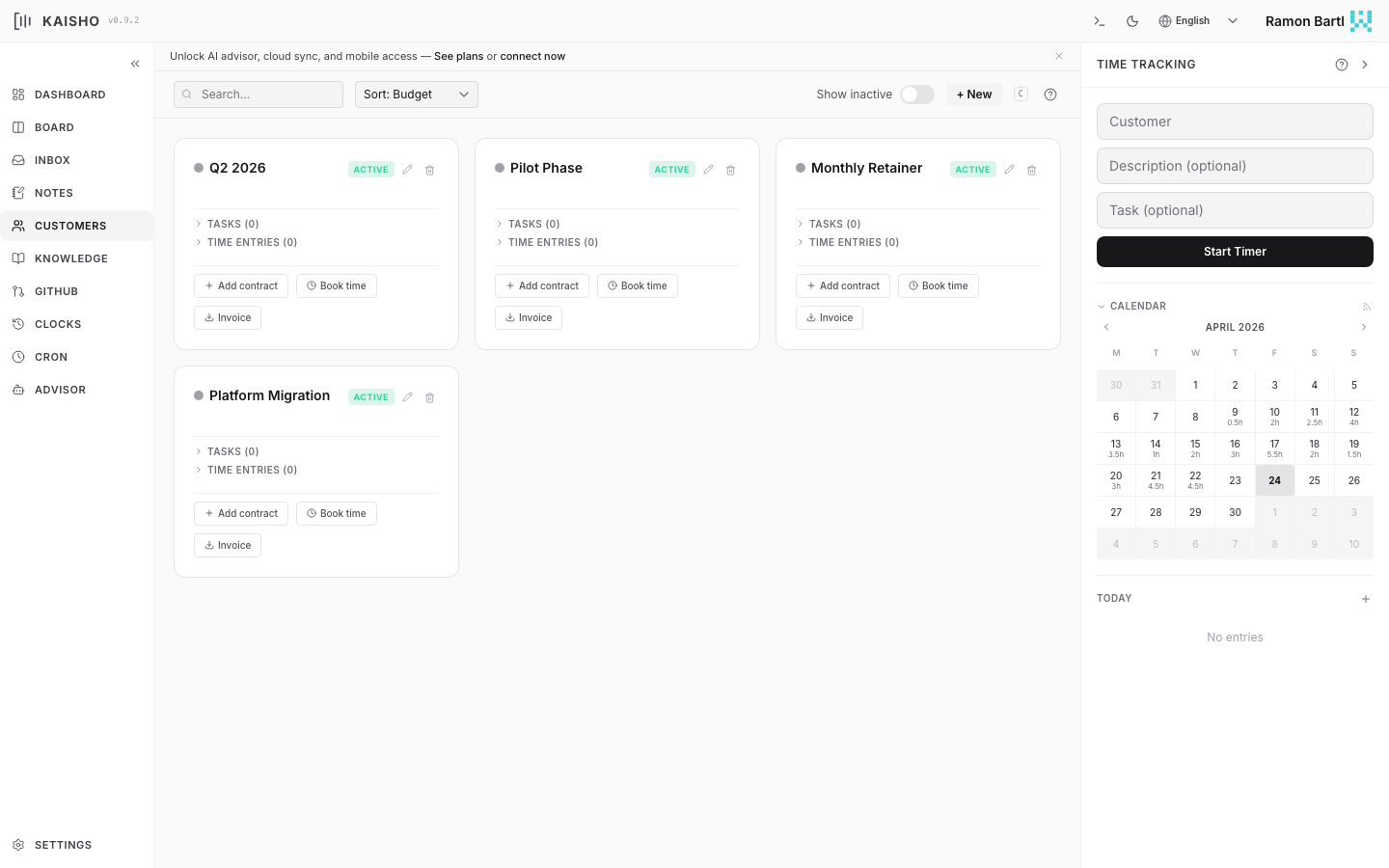
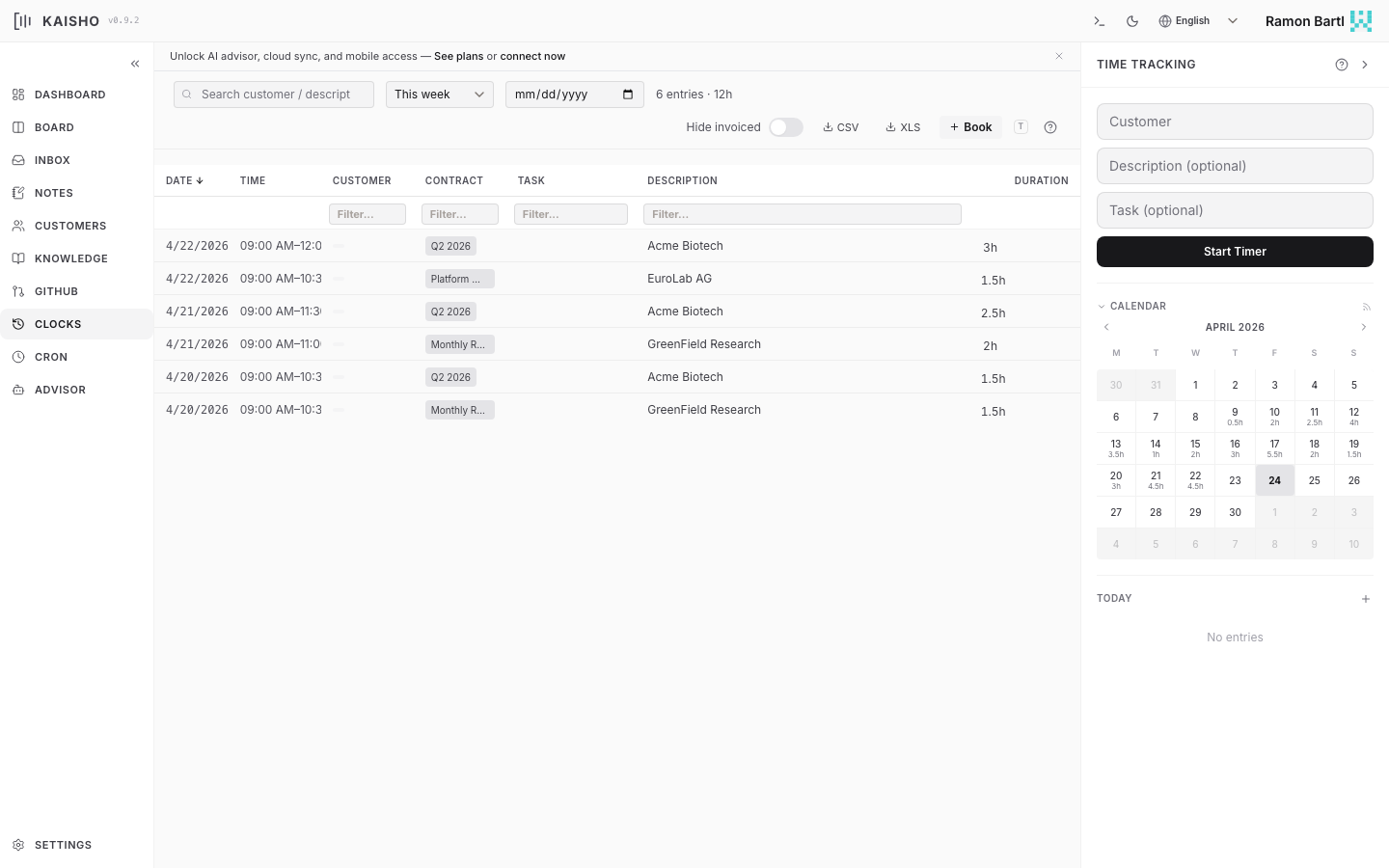
Under the AI layer: drag-and-drop kanban, start/stop timers, per-customer contracts and budgets, unbilled-entry preview and CSV export for your accountant, weekly/monthly dashboards. The productivity tool is what gives the AI something to remember.
The web UI is optional. Every feature in Kaisho is a kai subcommand — and every kai subcommand is also an MCP tool. Start timers, query your KB, book time, run an agent — from the shell, from the editor, or from your AI session. Same surface, three entry points.
kaisho-mode is an optional Emacs package that keeps your clock visible in the mode line and lets you start, stop, and resume timers without switching windows. It connects to the running kaisho backend via WebSocket — so clocks started in the web UI appear in Emacs instantly, and vice versa.
Works with any backend. No org-mode required. All operations go through the kai CLI and REST API.
Kaisho stores everything as plain text files you can open, edit, and version-control with any tool. Choose between org-mode and Markdown — the web UI and CLI work identically with both.
* [2026-04-10 Thu] [Acme Biotech]: Sample tracking :PROPERTIES: :SYNC_ID: 644e97a2-77a2-4ff8-b7d7-1c766ef3f2b8 :UPDATED_AT: 2026-04-10T12:30:00.123456 :TASK_ID: a1b2c3d4e5f6 :CONTRACT: LIMS Phase 2 :INVOICED: false :END: :LOGBOOK: CLOCK: [2026-04-10 Thu 09:00]--[2026-04-10 Thu 12:30] => 3:30 :END:
Screenshots
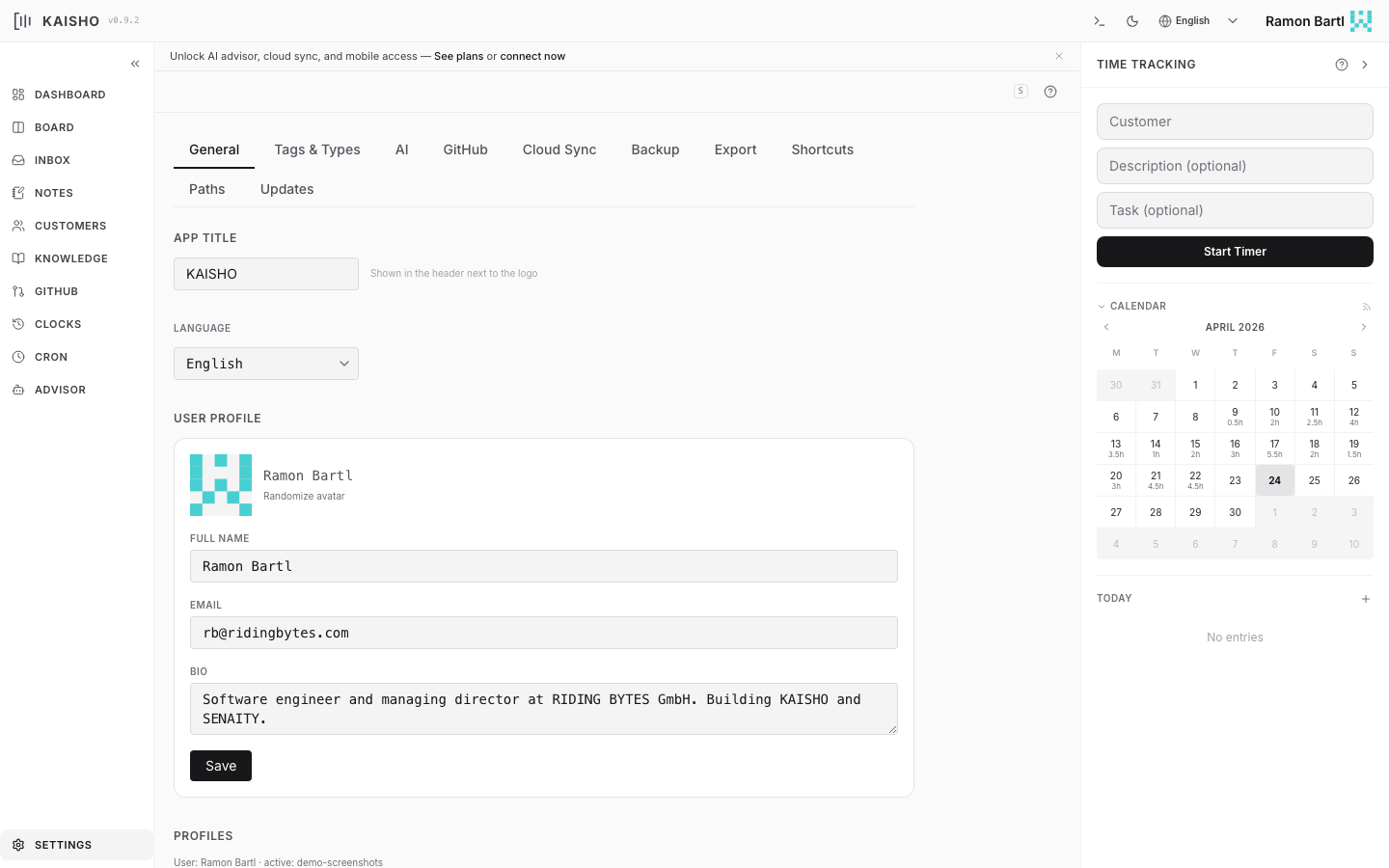
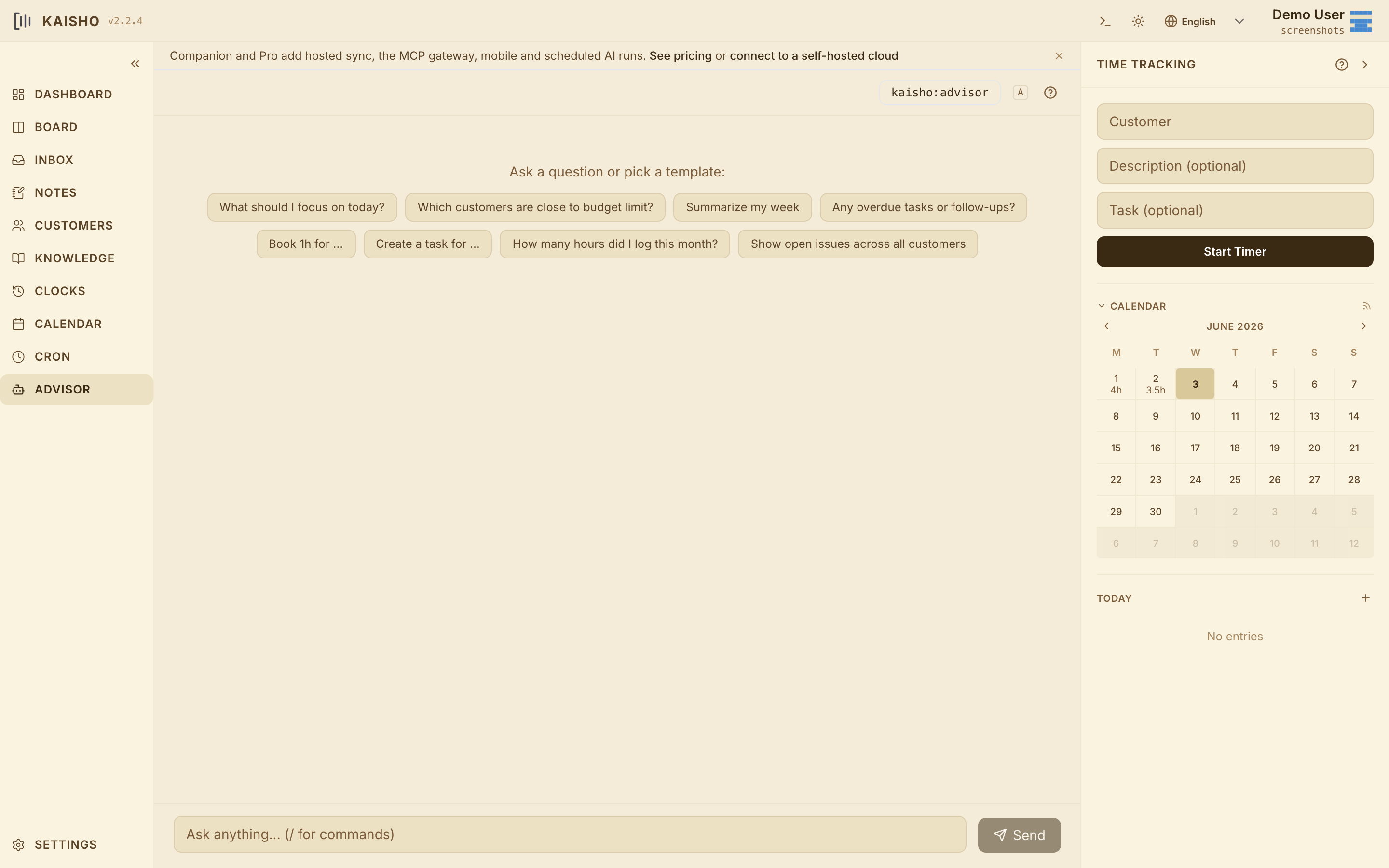
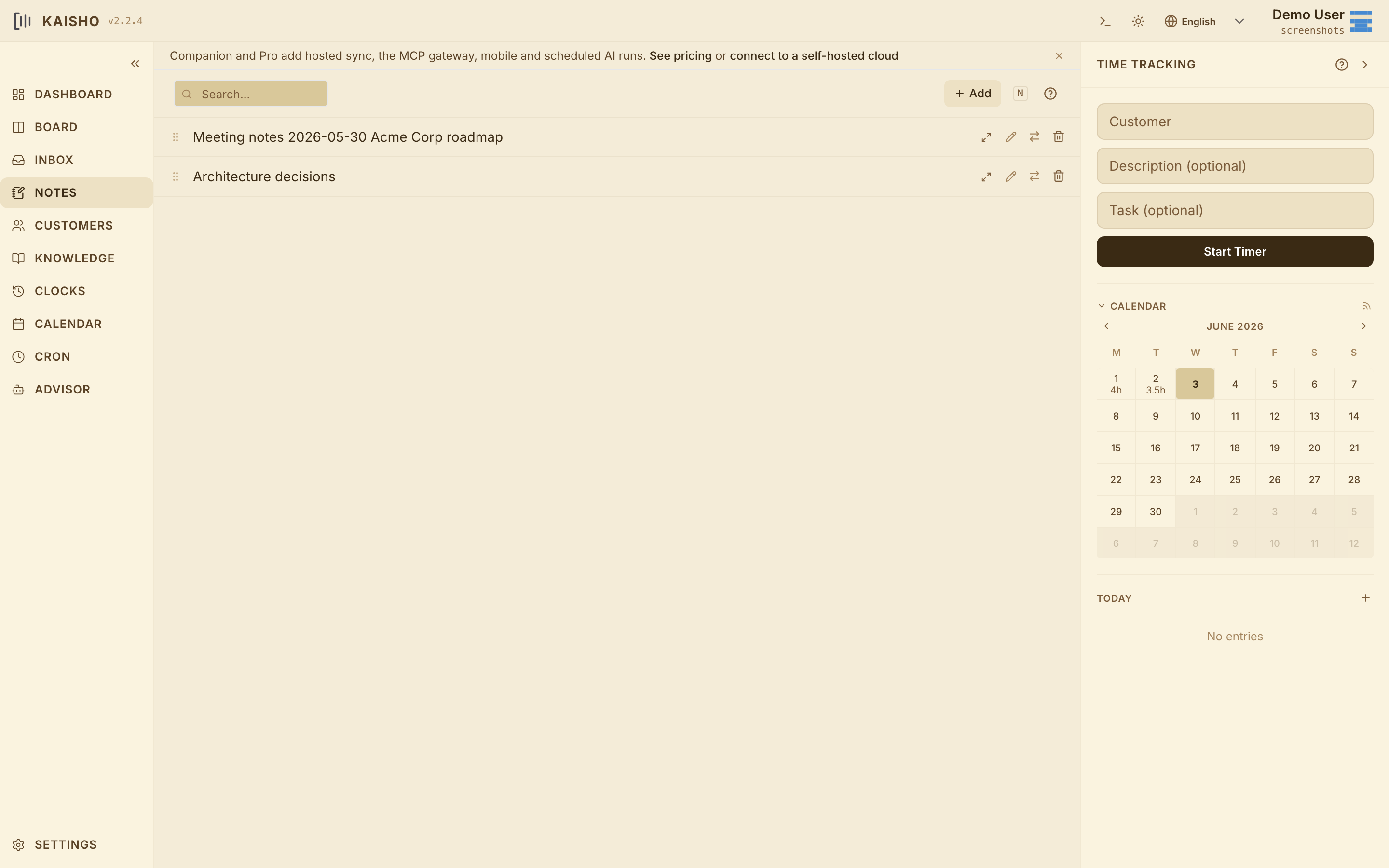
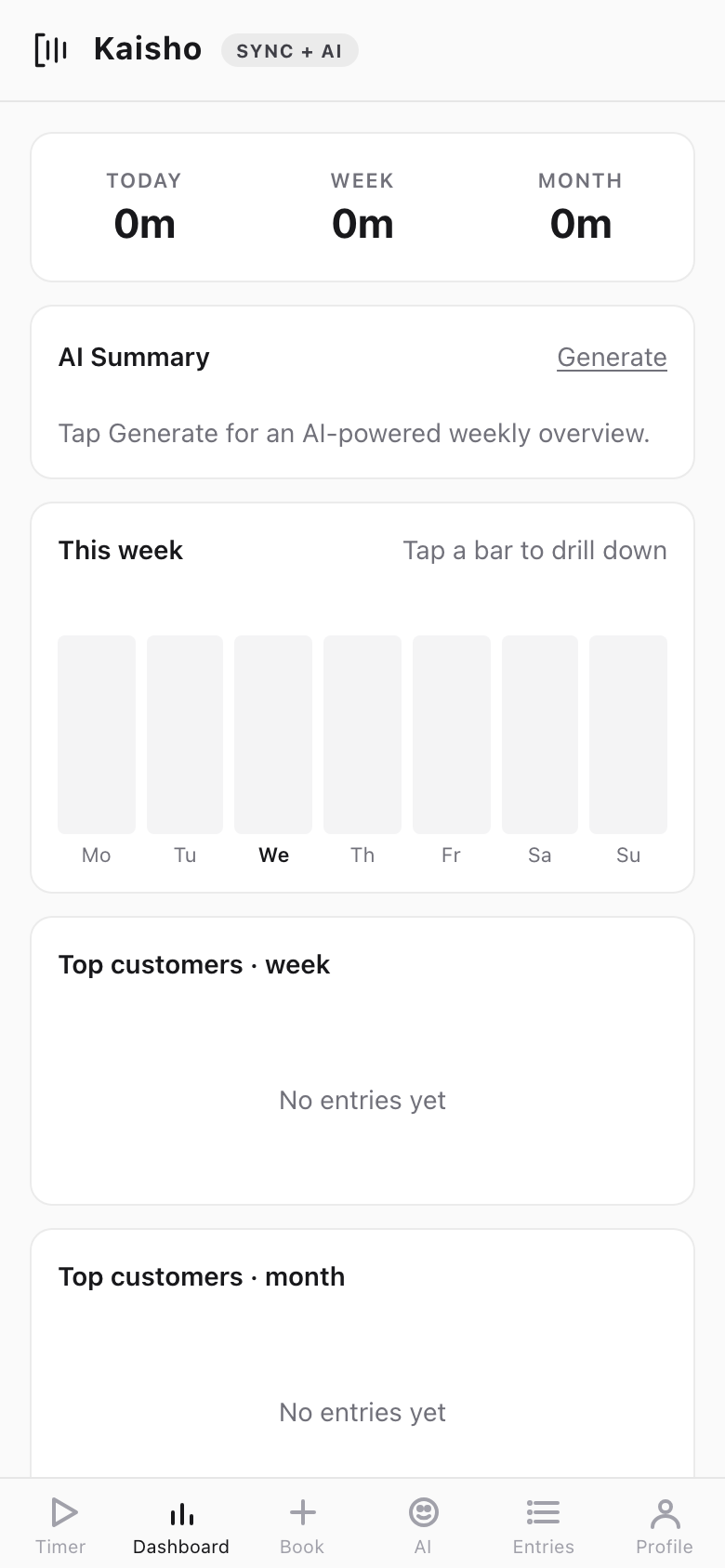
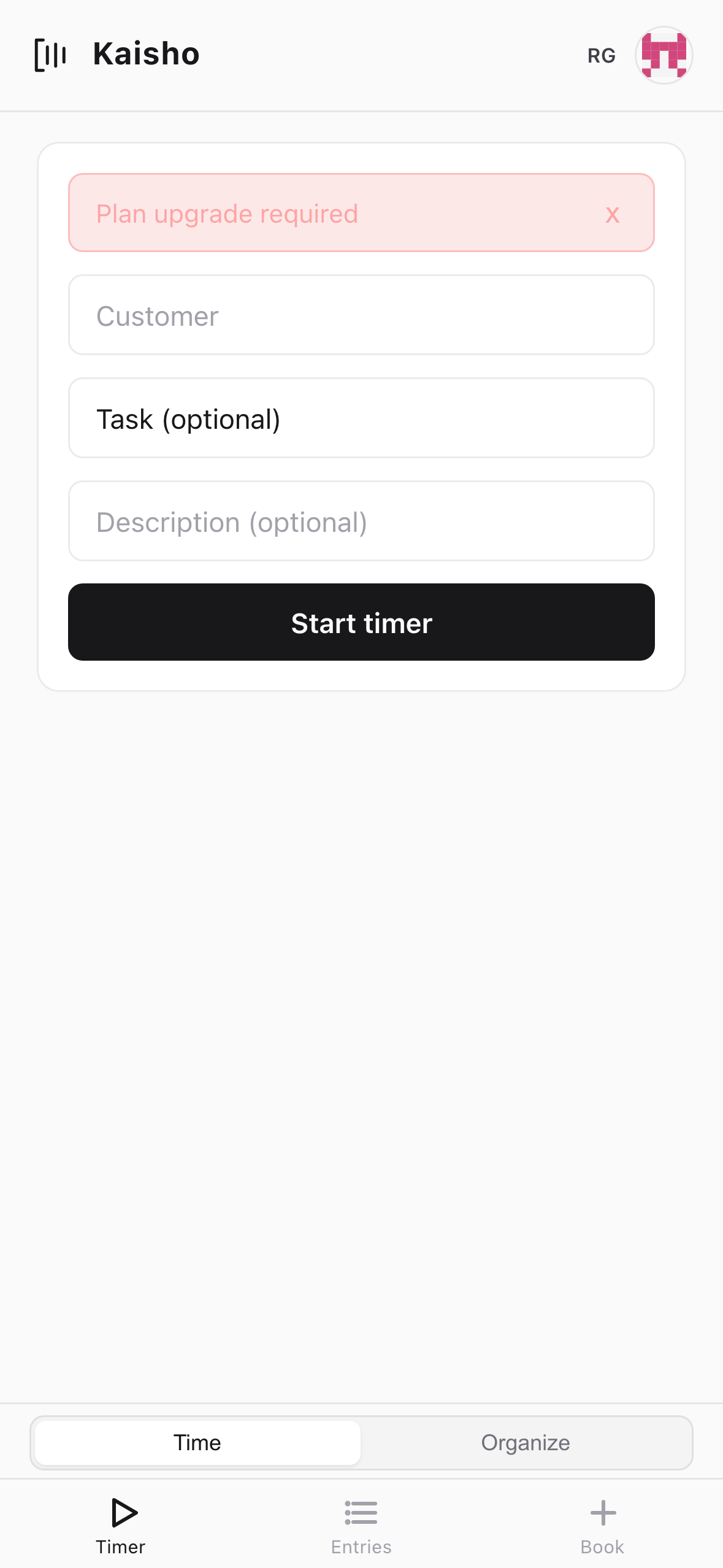
Scroll through the desktop and mobile views. Click any screenshot to enlarge.
Mobile
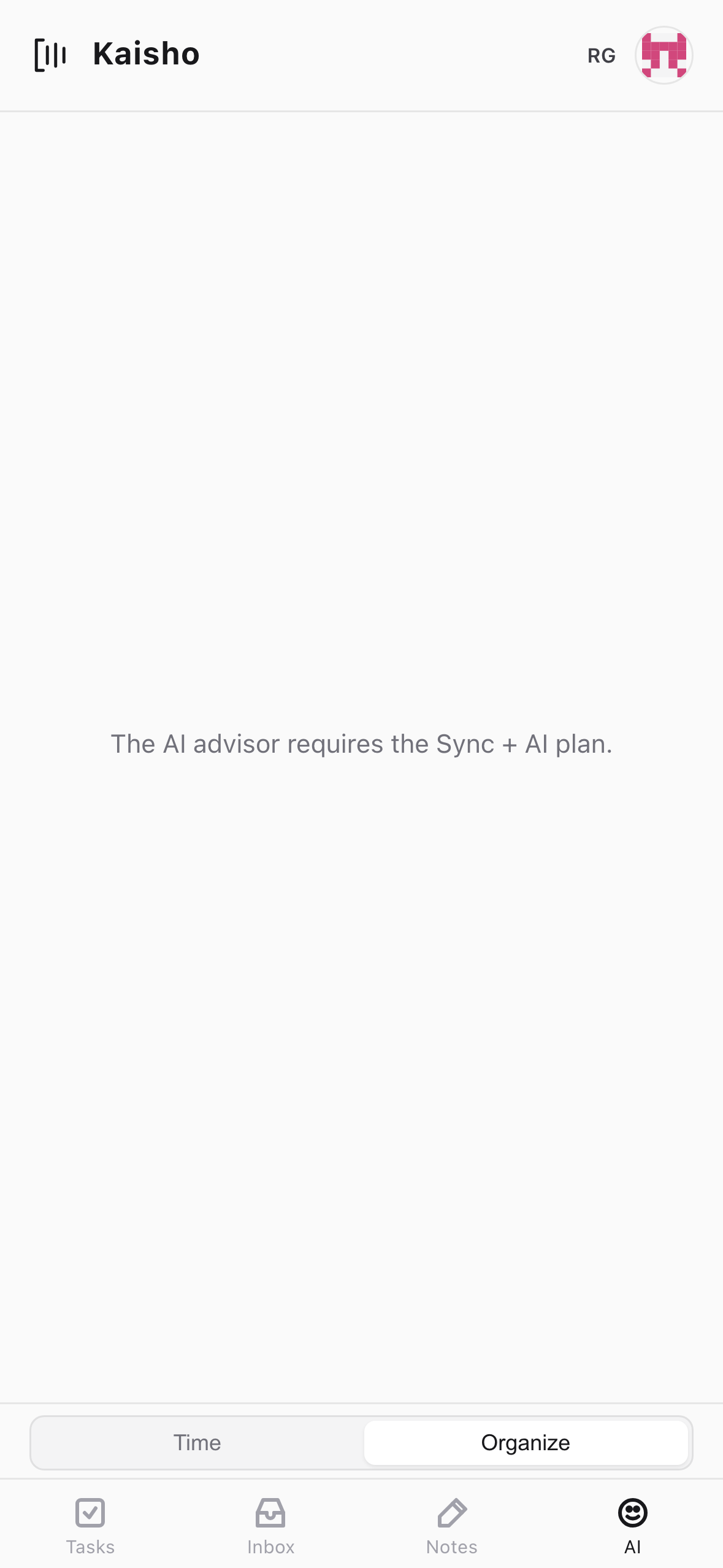
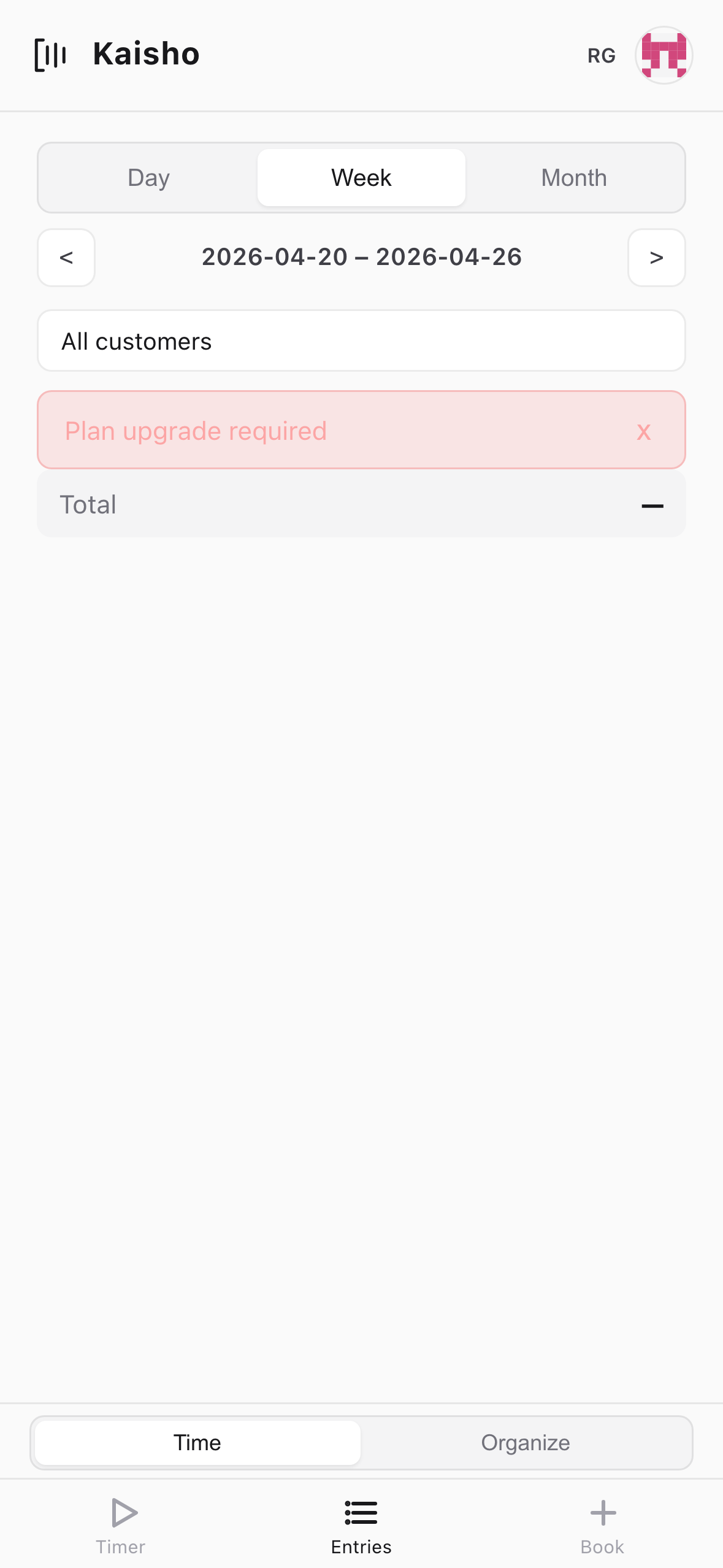
The mobile PWA gives you the same data your editor talks to: tasks, time, customers, dashboards. Chat to the advisor on the go — same model, same memory, same MCP context as on your laptop. Included on Companion and Pro.
First-class MCP for Claude Code, Cursor and Claude Desktop. Any OpenAI-compatible model on the back end. Plain-text storage you can pipe to anything else. No lock-in — on either side.
Pricing
Hobby is the open-source desktop. Companion, Pro and Team add a hosted memory layer, scheduled AI runs, and MCP integrations with the editor of your choice.
Start free. Pay only when you want your AI to run on a schedule and remember across sessions.
No credit card for Hobby. Companion and Pro are personal-card priced — no purchase approval needed.
add_task, book_time, list_customers, search_knowledge and so on. Add one line to your Claude Code or Cursor config and your AI session can read and write your Kaisho data without copy-paste.Kaisho is MIT-licensed. Run the desktop app, the MCP server, and the sync layer entirely on your own hardware — or pay for the hosted token quota and skip the setup. Either way, the source is on GitHub, the data is yours, and the architecture works without us.
View on GitHub# Clone and run from source
git clone https://github.com/ridingbytes/kaisho
cd kaisho && pip install -e .
kai serve
In Japanese martial arts, kaisho (開手) means “open hand” — the position of readiness. The mark is an open bracket with three lines: the bracket is the palm, the lines are what you carry — tasks, hours, ideas.
The bracket is not closed. It accepts new entries, holds what matters, and expands when you need it to. Structure without rigidity.